Automatic Spreadsheet Sync
Automatic Spreadsheet Sync
Bank transactions are automatically added to your Google Sheets with date, amount, merchant, and category columns.
Custom Analysis
Custom Analysis
Use pivot tables, charts, and formulas to analyze your spending, powered by real bank data updated automatically.
Multi-Account Sync
Multi-Account Sync
Sync transactions from multiple Brazilian banks to the same spreadsheet or separate tabs for each account.
Historical Data
Historical Data
Access your full transaction history in Google Sheets. Paid plans include all available Open Finance history.
Set up in 5 simple steps
Get your Brazilian bank transactions flowing into Google Sheets in minutes. No technical knowledge required.
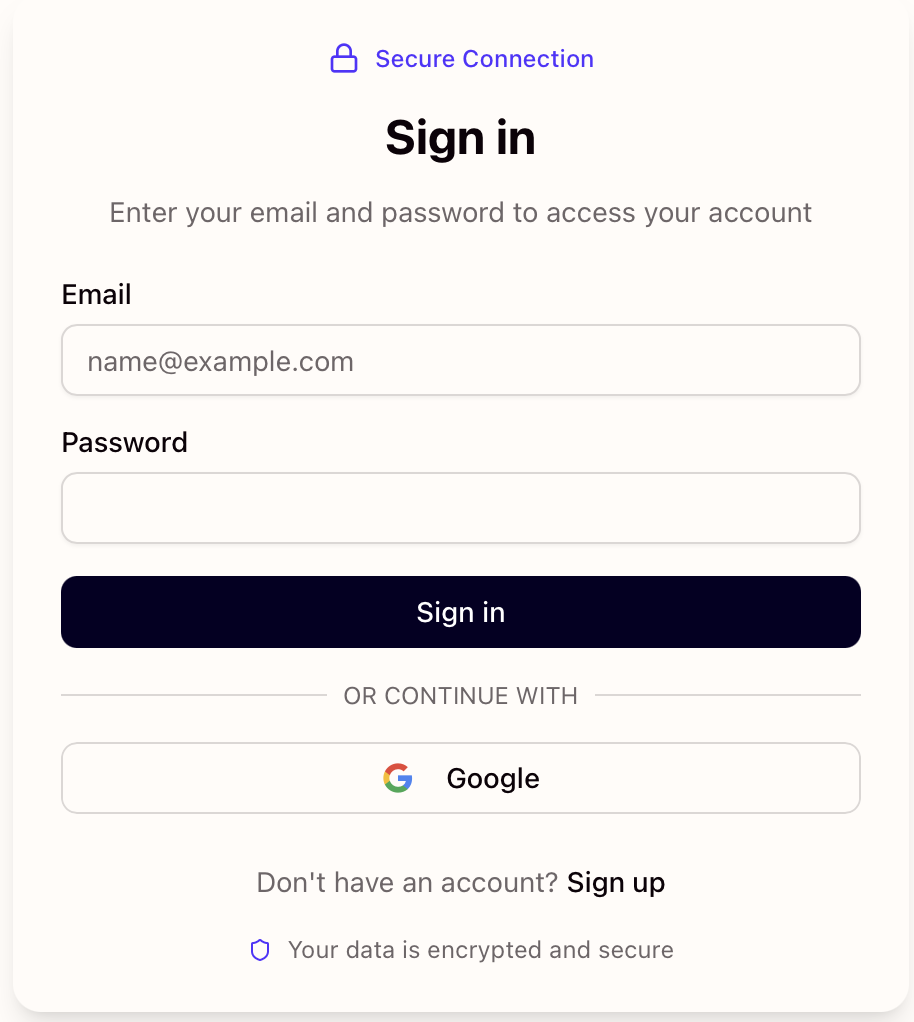
Create your Manio account
Sign up at Manio in under a minute and start your 14-day free trial. You can start syncing your transactions right away.
Create your Manio account
Sign up at Manio in under a minute and start your 14-day free trial. You can start syncing your transactions right away.
Connect your Brazilian bank
Securely link your bank account through Brazil's regulated Open Finance framework. Manio only requests read-only access, so your login credentials are never shared or stored on our servers.
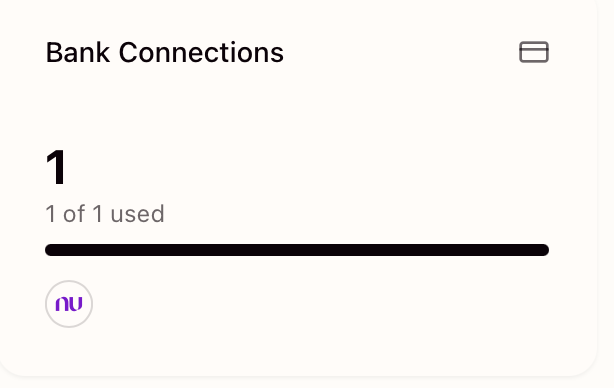
Connect your Brazilian bank
Securely link your bank account through Brazil's regulated Open Finance framework. Manio only requests read-only access, so your login credentials are never shared or stored on our servers.
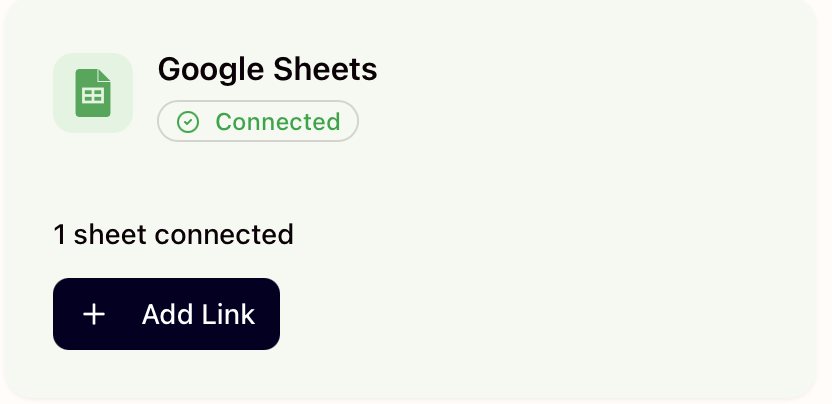
Connect Google Sheets
Authorize Manio to access your Google account using OAuth. Select an existing spreadsheet where you want your transactions to appear, or let Manio create a new one for you.
Connect Google Sheets
Authorize Manio to access your Google account using OAuth. Select an existing spreadsheet where you want your transactions to appear, or let Manio create a new one for you.
Map accounts to spreadsheet tabs
Choose which bank accounts sync to which tabs in your spreadsheet. You can keep all transactions in a single tab or organize them into separate tabs, one for each account.
Map accounts to spreadsheet tabs
Choose which bank accounts sync to which tabs in your spreadsheet. You can keep all transactions in a single tab or organize them into separate tabs, one for each account.
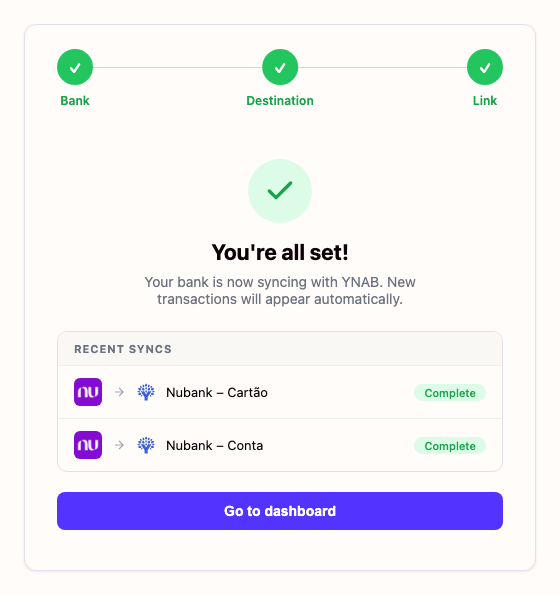
Watch your spreadsheet update automatically
Once connected, Manio keeps your spreadsheet up to date without any effort on your part. New transactions are added automatically with date, amount, merchant, and category columns ready to use.
Watch your spreadsheet update automatically
Once connected, Manio keeps your spreadsheet up to date without any effort on your part. New transactions are added automatically with date, amount, merchant, and category columns ready to use.
How to Sync Brazilian Banks to Google Sheets: Methods Compared
There are several ways to get Brazilian bank transactions into Google Sheets. Here is how they compare.
| Method | Setup | Automatic | Brazilian banks | Code required | Cost |
|---|---|---|---|---|---|
| Manio (Open Finance) | 3 minutes | Yes, every 8 hours | 100+ banks via Open Finance | None | Free plan available, R$24.99/mo Pro (or R$239.88/yr) |
| CSV/OFX export | 5 minutes per export | No, manual every time | Depends on bank | None | Free |
| Zapier / Make | 30+ minutes | Partial | No direct bank integration | None, but complex setup | From $19.99/mo (Zapier) |
| Google Apps Script + API | Hours to days | Yes, if maintained | Via Pluggy/Belvo API | Yes, JavaScript | API costs vary |
| Mobills / Guiabolso | 10 minutes | No export to Sheets | Yes, via Open Finance | None | Free with limits |
Frequently Asked Questions
Learn More
Dive deeper with our detailed guides
How to Sync Brazilian Bank Transactions to Google Sheets
Automatically send your bank transactions to a Google Spreadsheet. No CSV exports, no copy-paste. Just fresh data every day.
Read articleAutomate Your Bank Transaction Exports to Google Sheets
If you're still downloading CSVs from your bank and pasting them into Google Sheets, there's a better way. Here's how to fully automate the process.
Read articleThe Best Way to Export Bank Data to Google Sheets
There are many ways to get bank data into Google Sheets, but most of them are slow, error-prone, or require manual work. Here's the best approach.
Read articleHow to Sync Nubank to Google Sheets Automatically
Stop downloading Nubank CSVs with broken encoding. Sync your Nubank transactions to Google Sheets automatically via Open Finance.
Read articleSupported Brazilian Banks
Connect any of these banks and start syncing in minutes