Custom Databases
Custom Databases
Transactions sync to your Notion databases with date, amount, merchant, and category fields, fully customizable.
Financial Dashboard
Financial Dashboard
Build powerful financial views, filters, and reports in Notion using real bank transaction data.
Multi-Bank Support
Multi-Bank Support
Connect multiple Brazilian banks and send all transactions to one or multiple Notion databases.
Automatic Updates
Automatic Updates
New transactions appear in Notion automatically: daily on free plans, every 8 hours on paid plans.
Set up in 5 simple steps
Get your Brazilian bank transactions flowing into Notion in minutes. No technical knowledge required.
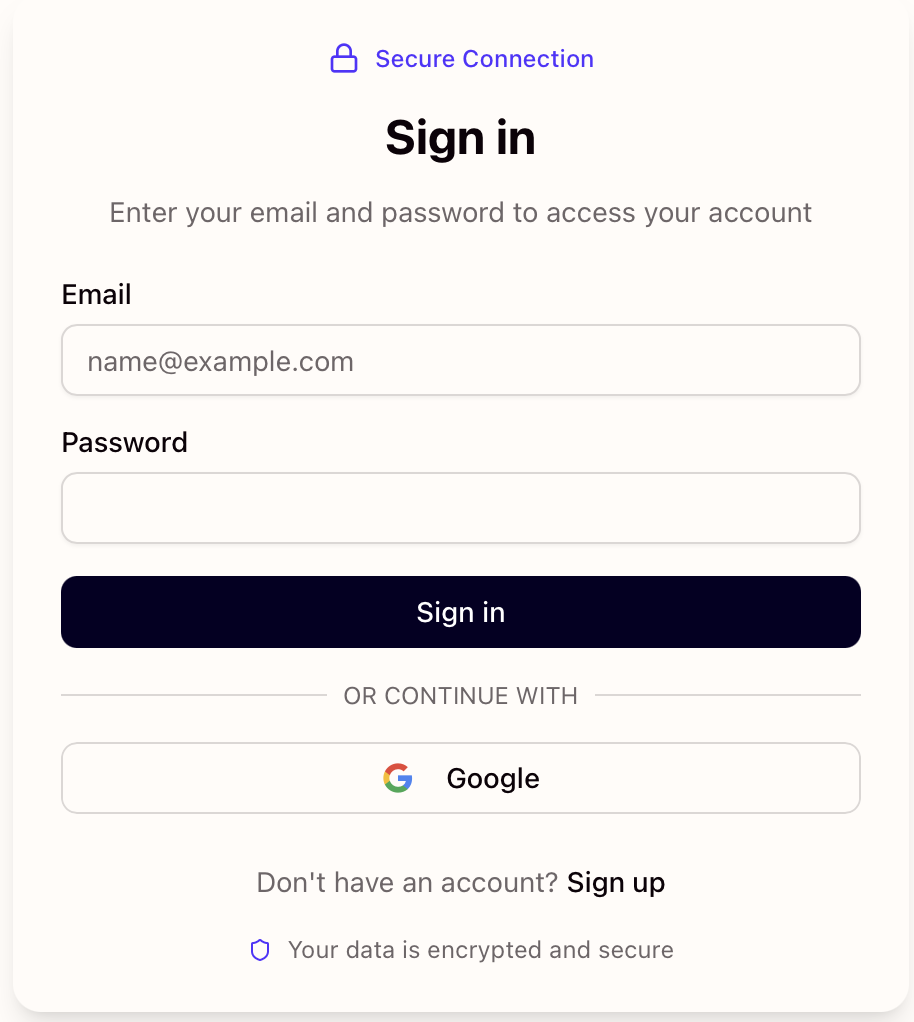
Create your Manio account
Sign up at Manio in under a minute and start your 14-day free trial. You can start syncing your transactions right away.
Create your Manio account
Sign up at Manio in under a minute and start your 14-day free trial. You can start syncing your transactions right away.
Connect your Brazilian bank
Securely link your bank account through Brazil's regulated Open Finance framework. Manio only requests read-only access, so your login credentials are never shared or stored on our servers.
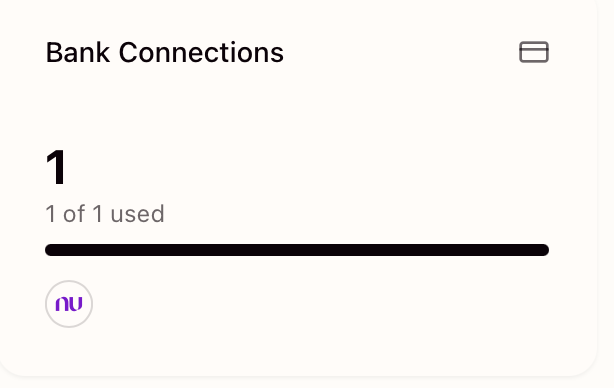
Connect your Brazilian bank
Securely link your bank account through Brazil's regulated Open Finance framework. Manio only requests read-only access, so your login credentials are never shared or stored on our servers.
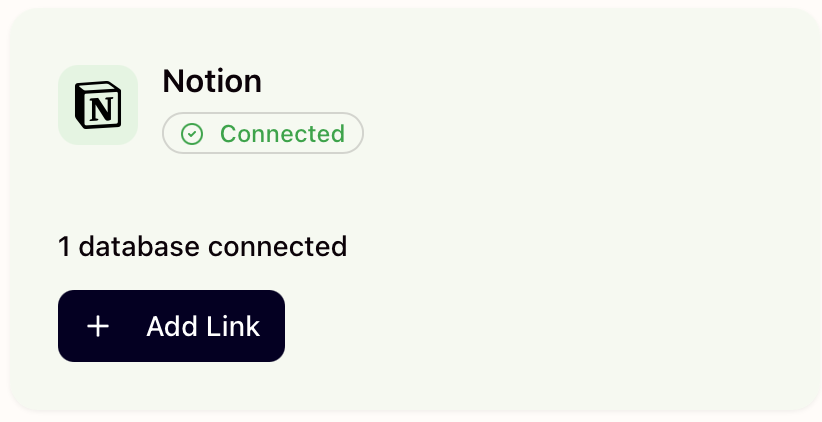
Connect your Notion workspace
Authorize Manio to access your Notion workspace using the official Notion API. When Notion asks which pages to share, select the page where you want your transactions database to live. You can then select an existing database or create a new one from scratch.
Connect your Notion workspace
Authorize Manio to access your Notion workspace using the official Notion API. When Notion asks which pages to share, select the page where you want your transactions database to live. You can then select an existing database or create a new one from scratch.
Map bank accounts to databases
Choose which bank accounts sync to which Notion databases. You can send transactions from all accounts into a single database or keep them separated, one database per account.
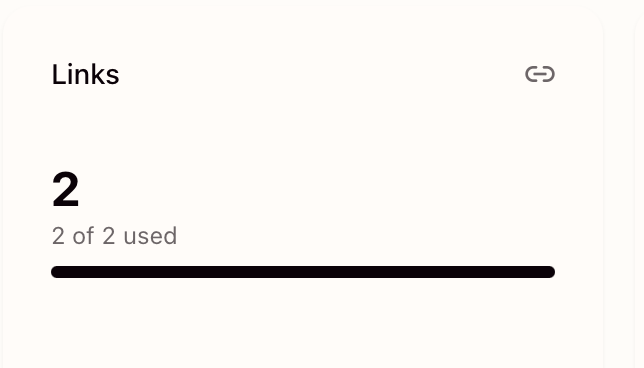
Map bank accounts to databases
Choose which bank accounts sync to which Notion databases. You can send transactions from all accounts into a single database or keep them separated, one database per account.
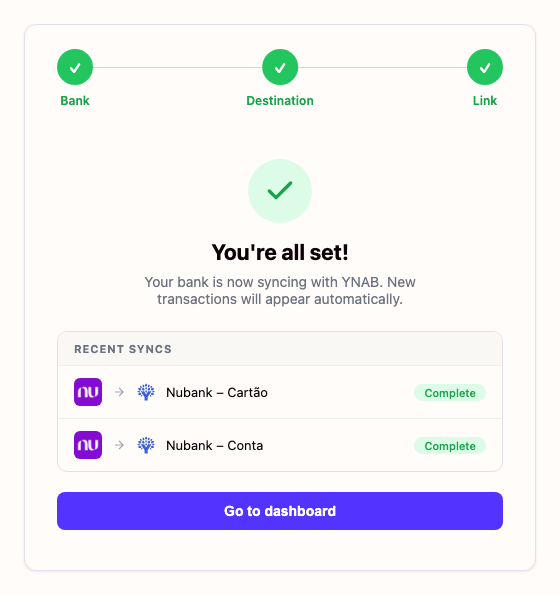
Watch transactions appear automatically
Once everything is connected, Manio takes care of the rest. New transactions from your Brazilian bank are added to your Notion database automatically, with date, amount, merchant, and category already filled in.
Watch transactions appear automatically
Once everything is connected, Manio takes care of the rest. New transactions from your Brazilian bank are added to your Notion database automatically, with date, amount, merchant, and category already filled in.
Frequently Asked Questions
Learn More
Dive deeper with our detailed guides
How to Automate Bank Data in Notion
Manually adding bank transactions to Notion takes too long. With Manio, you can automate the entire process and focus on analysis, not data entry.
Read articleUse Notion for Personal Finance with Real Bank Data
Notion is one of the most flexible tools for personal finance tracking, but only if it has real data. Here's how to power your Notion finance system with live bank transactions.
Read articleHow to Sync Nubank to Notion Automatically
Build a personal finance dashboard in Notion powered by real Nubank data. Automatic sync via Open Finance, no manual entry.
Read articleHow to Connect Itaú to Notion Automatically
If you manage your finances in Notion and bank with Itaú, Manio is the missing link. Here's how to set up automatic transaction syncing in minutes.
Read articleSupported Brazilian Banks
Connect any of these banks and start syncing in minutes