How to Sync Itaú to Google Sheets Automatically
If you bank with Itau and use Google Sheets for personal finance tracking, you are probably familiar with the weekly ritual: log into Itau's internet banking, navigate to the statement export, download an OFX or CSV file, open it in Sheets, fix the broken accented characters, rearrange the columns, and repeat next week. It is a process tedious enough that most people stop doing it within a month. This guide shows you how to automate Itau transaction sync to Google Sheets entirely.

The Problem with Itau's Manual Export
Itau Unibanco is Brazil's largest private bank, with millions of customers holding checking accounts, savings accounts (poupanca), and credit cards across the Mastercard and Visa networks. The bank's internet banking allows statement exports in OFX and CSV formats, but the practical experience leaves much to be desired.
The most common issues:
- Encoding problems: merchant names with Portuguese accented characters appear as garbled symbols in Google Sheets. This is a well-known issue with Latin character encoding in CSV files
- Inconsistent formats: the checking account export uses one column layout, the credit card export uses another, and savings uses a third. Each requires separate processing
- Bureaucratic navigation: finding the export option in Itau's internet banking requires multiple clicks through menus, and the available date range is limited
- Repetitive process: must be done weekly or bi-weekly to keep the spreadsheet current, manual work that adds no analytical value
Open Finance Brasil: Clean, Structured Data from Itau
Open Finance Brasil is a regulatory framework from the Banco Central (Brazil's central bank) that requires major financial institutions to provide secure APIs for customer-authorised data sharing. Itau, as one of the largest participants in the Brazilian financial system, has fully implemented these APIs.
The difference between Open Finance data and manual exports is significant. Through Open Finance, data arrives structured and standardised: consistent fields, correct character encoding, unique transaction IDs. No more CSV files with misaligned columns or corrupted characters. It is the difference between receiving a properly formatted spreadsheet and receiving a PDF you need to transcribe.
The consent process happens on Itau's own servers. You log in with your regular Itau credentials, approve the data sharing, and the authorised service receives a read-only access token. Your password is never shared with any third party. Want to understand how Open Finance protects your data? Read our guide on Open Finance security.
How to Set Up Itau to Google Sheets Sync
Manio is an authorised Open Finance Brasil participant. It reads your Itau transactions through the official API and writes them directly to your Google Sheets spreadsheet.
Step 1: Connect Itau via Open Finance
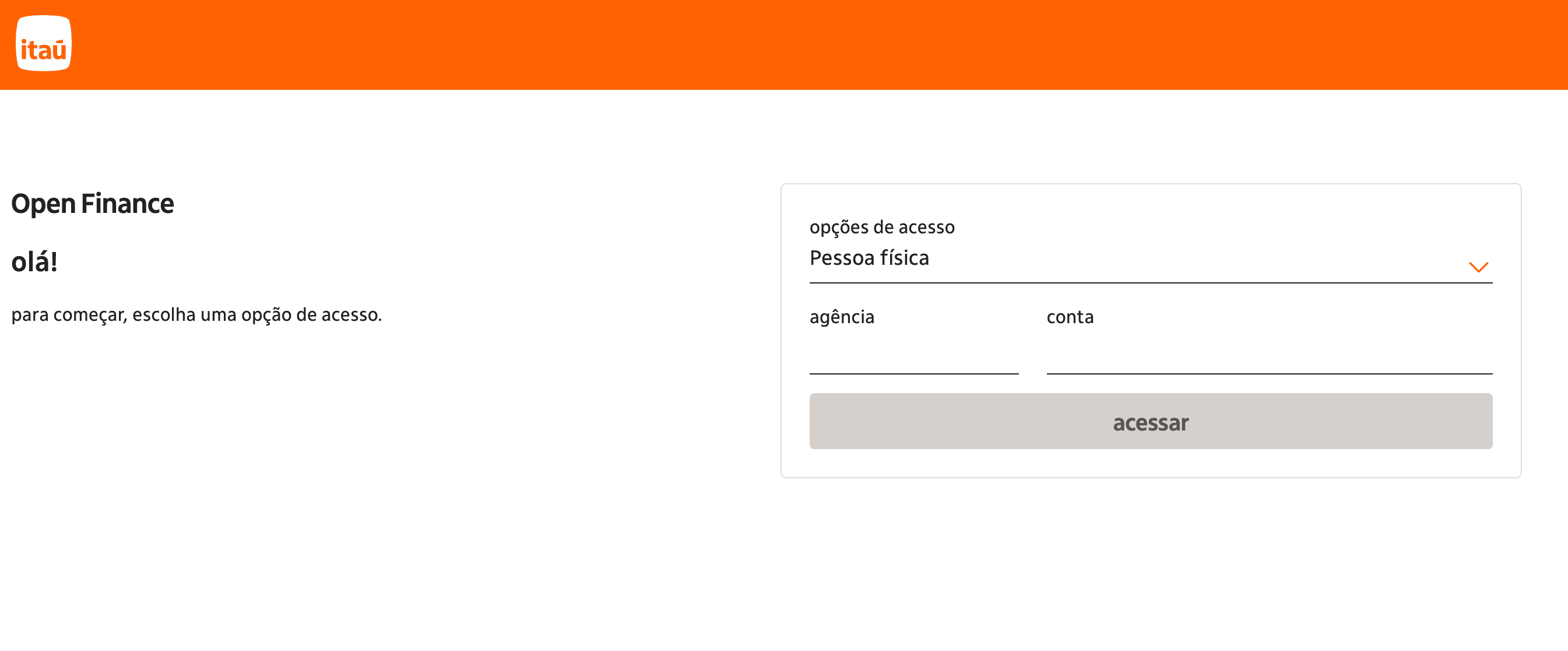
In the Manio dashboard, go to Bank Connections and search for Itau. You are redirected to Itau's official Open Finance consent screen, hosted on Itau's servers. Log in with your regular credentials and choose which accounts to share:
- Checking account (conta corrente): debit purchases, Pix, TEDs, bill payments, transfers
- Savings (poupanca): deposits, withdrawals, and interest
- Credit cards: individual purchases and instalments from your Itau Mastercard and Visa cards
This works for all Itau segments: standard accounts, Uniclass, and Personnalite. No special account tier is required for Open Finance.
Step 2: Add Google Sheets as a Destination
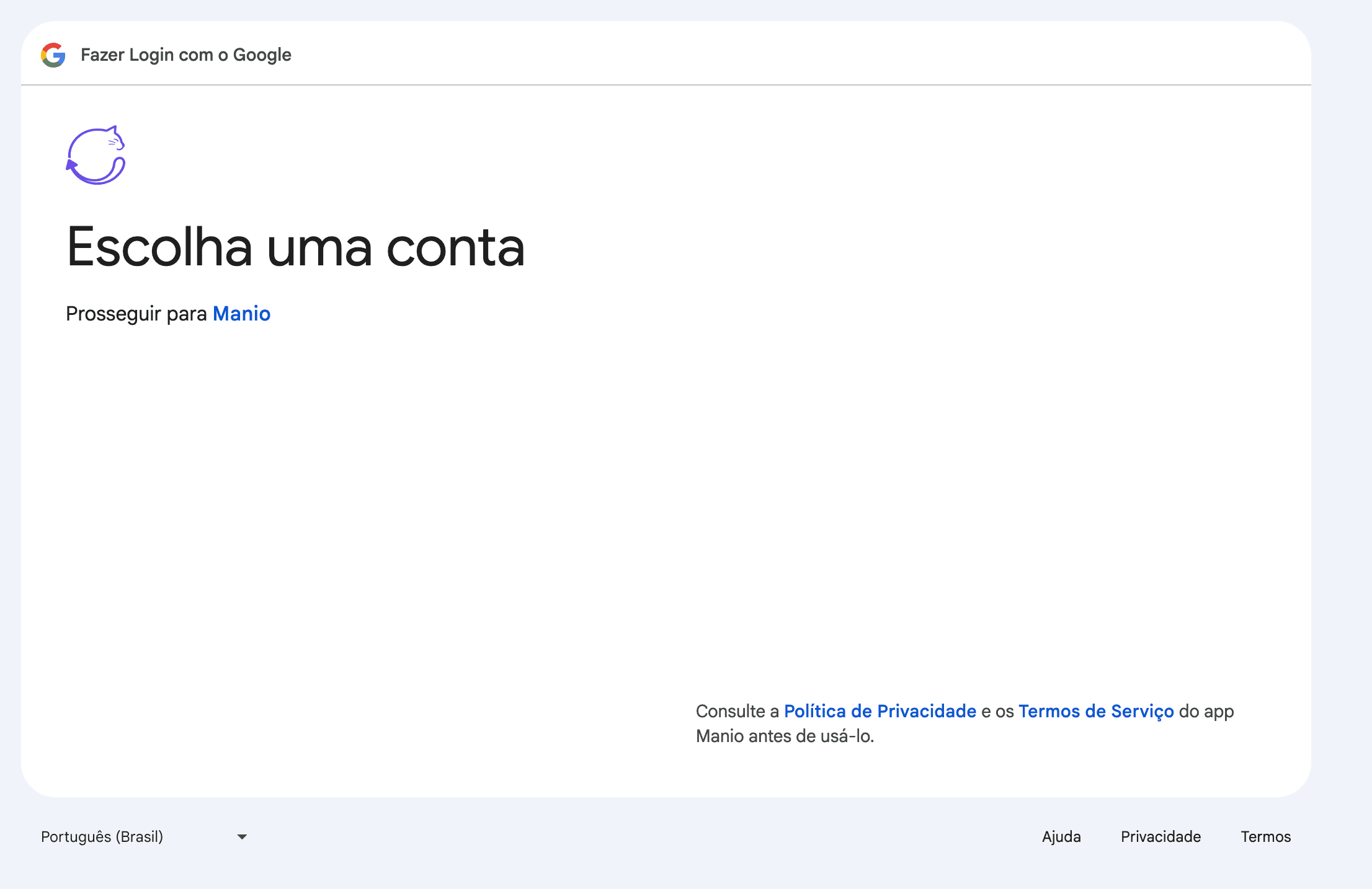
Go to Destinations and select Google Sheets. Authorise Manio to access your Google account through Google's official OAuth flow and select the spreadsheet that will receive the data.
Step 3: Map Accounts
Link each Itau account to a tab in your spreadsheet. Two approaches work well:
- Single tab: all accounts in one tab, distinguished by the Account column. Simpler and ideal if you have 1-2 Itau products
- Separate tabs: one tab for checking, one for credit card, one for savings. Better if you want independent dashboards
Step 4: Sync and Relax
Trigger the initial sync. On the Pro plan, Manio imports all the Itau history the bank makes available via Open Finance (typically around 12 months). On the Trial plan, the first sync covers up to 30 days. After that, new transactions are added automatically. No more opening internet banking every week, no OFX files, no CSV headaches.

What Appears in Your Spreadsheet
Each synced Itau transaction creates a new row:
- Date: transaction date, properly formatted (no encoding issues)
- Description: merchant name or counterparty, cleaned up for readability
- Amount: in BRL, positive for income and negative for expenses
- Type: Pix, TED, debit, bill payment, credit card, internal transfer
- Account: identifies whether it came from checking, savings, or credit card
- Transaction ID: unique identifier ensuring zero duplicates
All data arrives with correct character encoding, so no garbled accented characters in your spreadsheet. This is one of the key advantages of Open Finance over manual exports.
Analysis Ideas for Itau Data in Sheets
Checking vs. Savings vs. Credit Card
Itau is a full-service bank, and many customers have three products active simultaneously. In Sheets, use SUMIFS filtering by the Account column to see how much flows through each product monthly. Many people discover their savings account is not performing as well as they assumed when they see the numbers side by side.
Instalment Analysis
Itau credit cards (Mastercard and Visa) are heavily used for instalment purchases in Brazil, where splitting payments into 3 to 12 monthly instalments is standard practice. Through Open Finance, each instalment appears in its corresponding month. Build a SUMIFS formula that totals credit card transactions for the next 3 months to see how much of your future bills is already committed.
Pix Spending Tracker
Pix has revolutionised payments in Brazil, and Itau is one of the banks with the highest Pix volume. Filter by Type = Pix and group by month to see the trend. Many Brazilians are surprised by how much leaves their account via Pix each month. Informal payments, food delivery, group collections, and micro-transactions accumulate quickly.
Budget vs. Actual Dashboard
Create a Summary tab with a table comparing actual spending per category against budgeted amounts. Use conditional formatting: green when within budget, red when over. With data arriving automatically, this dashboard stays current without any manual upkeep.
Consolidating Itau with Other Banks
Many Brazilians have an Itau account alongside a digital bank (Nubank, Inter, C6 Bank). With Manio, you can connect all banks and send everything to the same spreadsheet. The Account column identifies the source, and your summary formulas aggregate automatically.
This is far more powerful than checking each banking app separately. A single spreadsheet with data from all banks provides the complete picture you need for sound financial decisions.
See also how to sync Nubank, Bradesco, and Inter to Google Sheets. For an overview of how this works with any Brazilian bank, see our guide to syncing Brazilian banks to Google Sheets. And for advanced export tips, check out the best way to export bank data to sheets.
If you also use YNAB for budgeting, see how to sync Itau to YNAB. Prefer Notion? Check out how to connect Itau to Notion automatically.
Sheets vs. Finance Apps
Apps like Organizze and Mobills connect to your bank and categorise spending automatically. They are easier to get started with. But Google Sheets wins when you want:
- Custom formulas that no app offers
- Tailored charts and dashboards for your specific situation
- Easy sharing with a spouse, accountant, or financial advisor
- Integration with Google Data Studio, Apps Script, and the Google ecosystem
- Full control over data structure and presentation
If you enjoy working with spreadsheets, Sheets with automatic data feeds is the best of both worlds: spreadsheet flexibility without the manual work of populating it.
Frequently Asked Questions
Does Open Finance replace the OFX export from Itau's internet banking?
In practice, yes. Open Finance data is cleaner, with correct character encoding and a standardised format. You no longer need to access Itau's internet banking to manually export files. Manio handles everything automatically.
Do I need Itau Personnalite to use this?
No. Open Finance Brasil is available to all Itau customers regardless of account segment. Standard checking, Uniclass, and Personnalite all work.
Do Itau savings transactions appear in Sheets?
Yes. If you include savings in your Open Finance consent, deposit and withdrawal transactions from your poupanca are also synced to the spreadsheet.
Does the spreadsheet update in real time?
Not in real time, but on a regular schedule. On the Trial plan, sync runs daily (50 syncs included). On the Pro plan (R$24.99/month, or R$239.88/year), every 8 hours with unlimited syncs. In practice, when you open your spreadsheet in the morning, yesterday's transactions are already there.
What if I have both Mastercard and Visa cards from Itau?
Both are synced. When you authorise data sharing via Open Finance, you can include all your Itau credit cards. Each transaction in the spreadsheet is identified so you know which card it came from.