How to Sync Itaú to YNAB Automatically
Itau Unibanco is Brazil's largest private bank, serving tens of millions of customers with checking accounts, savings (poupanca), credit cards (Mastercard and Visa), investments, and the Personnalite premium segment. If you use YNAB (You Need A Budget) for your personal finances, you have almost certainly noticed the problem: YNAB does not connect to Itau. Or to any Brazilian bank. This article explains exactly how to bridge that gap using Manio and Open Finance Brasil.

Why YNAB Cannot Connect to Itau Directly
YNAB's direct import feature depends on Plaid and MX, financial data aggregators that have partnerships with banks in the United States, Canada, and parts of Europe. Brazilian banks are not covered by these services because Brazil has its own data-sharing infrastructure: Open Finance Brasil.
Open Finance Brasil is a regulatory framework from the Banco Central (Brazil's central bank) that requires major financial institutions to provide secure APIs for customer-authorised data sharing. Instead of a third-party aggregator like Plaid, the bank itself provides the API. You authorise the data sharing directly in the Itau app or website, and data flows to the authorised service.
Manio acts as the bridge between Open Finance Brasil and YNAB, reading your Itau transactions through the official API and pushing them to YNAB automatically. Want to understand how Open Finance protects your data? Read our guide on Open Finance security.
What Makes Itau Different
Itau is a traditional bank with a broad product range. Unlike digital-only banks like Nubank, Itau customers typically have multiple products active at once: a checking account, a linked savings account (poupanca), one or more credit cards across Mastercard and Visa networks, and potentially investment accounts. Itau also has segmented offerings: Personnalite for premium clients and Uniclass for another tier, each with dedicated credit cards and benefits.
From a data export perspective, Itau's internet banking offers OFX and CSV downloads, but the experience is clunky. Files often have encoding problems with accented Portuguese characters, the column format varies by account type, and the process must be repeated manually for each product. For YNAB users who want to import their Itau data, the manual workflow takes 20-30 minutes per week, and most people eventually stop doing it.
Setting Up the Sync: Step by Step
Step 1: Connect Itau via Open Finance
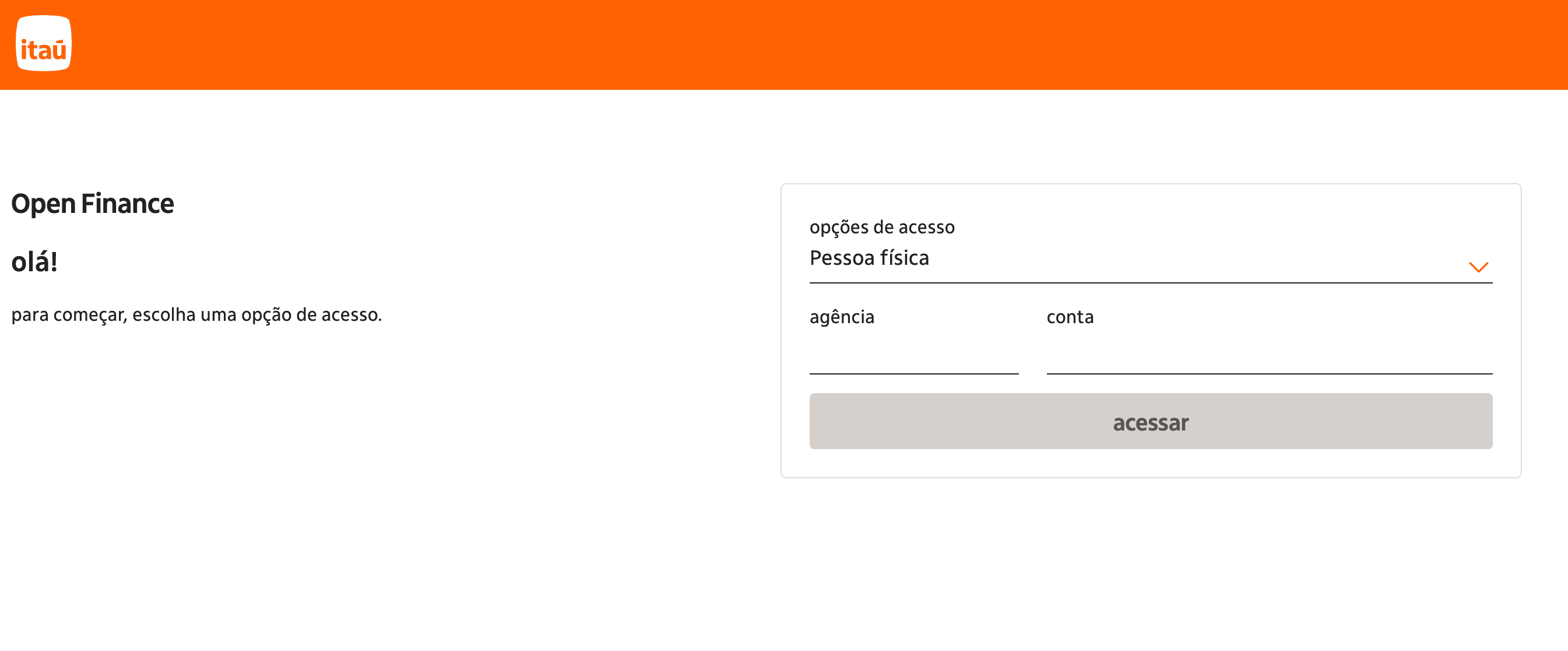
In the Manio dashboard, go to Bank Connections and search for Itau. Manio redirects you to Itau's official Open Finance consent screen, hosted on Itau's own servers. You log in with your regular Itau credentials. Manio never sees your password.
On the consent screen, you choose which accounts to share:
- Checking account (conta corrente): all transactions from your main account
- Savings (poupanca): deposits and withdrawals from your linked savings
- Credit cards: purchases, instalments, and payments from your Itau Mastercard and Visa cards
The consent is valid for up to 12 months and can be revoked at any time from the Itau app or internet banking.
Step 2: Connect YNAB
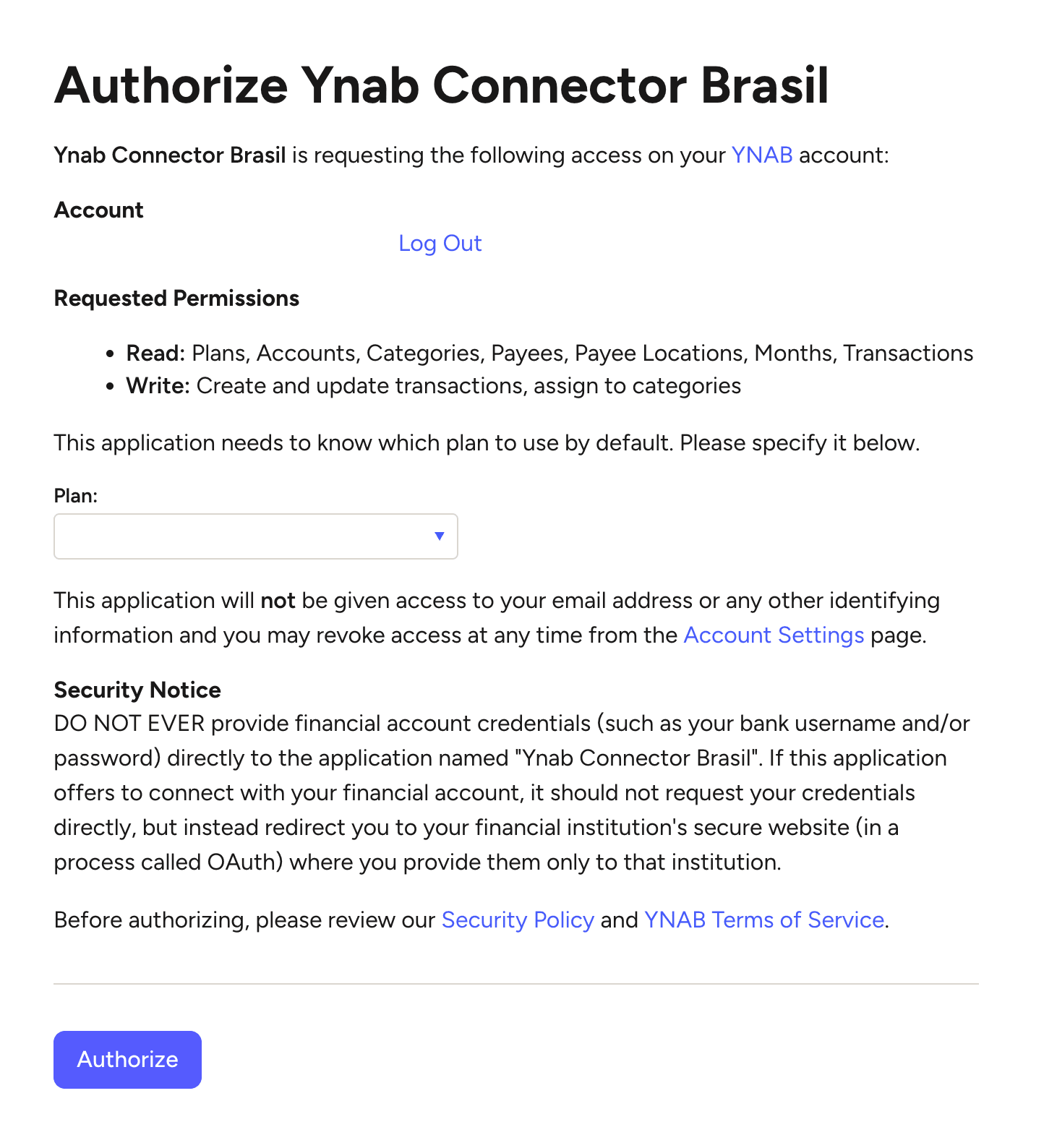
Go to Destinations and connect your YNAB account via Manio's YNAB integration. The process uses YNAB's official OAuth flow. You log in on YNAB's servers, authorise Manio to access your budgets and accounts, and you are done. No YNAB credentials are shared with Manio.
Step 3: Map Accounts
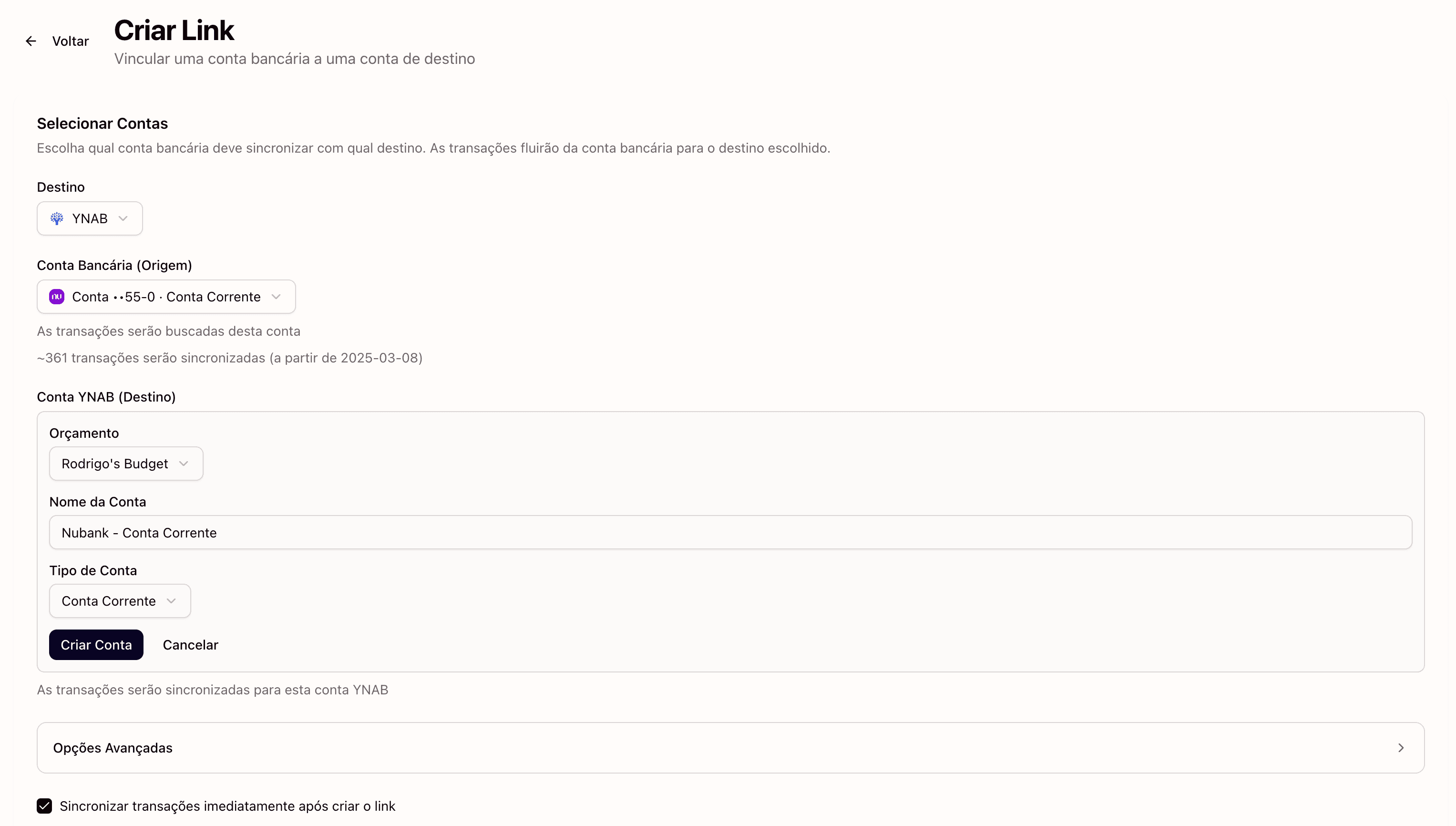
Link each Itau account to a corresponding YNAB account:
- Itau checking → YNAB account of type Checking
- Itau savings → YNAB account of type Savings
- Itau credit card → YNAB account of type Credit Card
If you have multiple Itau credit cards (for example, a Mastercard and a Visa), you can create separate YNAB accounts for each.
Step 4: Automatic Sync
From this point, Manio polls your Itau data on a regular schedule and pushes new transactions to YNAB. Open YNAB and your transactions are already there, ready to be categorised. No OFX downloads, no CSV copying, no manual entry.

What Gets Synced to YNAB
- Amount in BRL: the exact transaction value, positive for income and negative for expenses
- Date: the settlement date as reported by the Open Finance API
- Payee name: cleaned up by Manio for readability in YNAB
- Transaction type: Pix, TED, bill payment, debit purchase, credit card instalment, and more
YNAB's payee matching learns over time. If you consistently categorise transactions from a particular supermarket as "Groceries", YNAB will start suggesting that category automatically.
Itau Credit Cards in YNAB
YNAB has a dedicated credit card handling system that works exceptionally well: as you categorise each credit card purchase, YNAB automatically reserves money to pay the bill. This is the "digital envelope" concept applied to credit cards, and it prevents the common problem of spending more on credit than you can actually afford.
With Itau credit cards synced via Manio, each purchase appears individually in YNAB. Instalment purchases are recorded in the month they are charged, giving you real visibility into future card commitment. This is particularly important in Brazil, where instalment purchases (parcelas) of 3 to 12 months are extremely common. Losing track of committed instalments is one of the most frequent financial problems in the country.
Itau Personnalite and Uniclass
If you are an Itau Personnalite or Uniclass customer, Open Finance works identically. There is no difference in API access across segments, and all Itau account types are covered. Your Personnalite checking account, segment-exclusive credit cards, and linked savings are all accessible through Open Finance.
The practical difference is that Personnalite customers tend to have more financial products active (multiple cards, savings accounts), which means more YNAB accounts to map, but the process is the same for each one.
Configuring YNAB for Itau
- Create the budget in BRL: YNAB supports Brazilian Real as a currency. Select it when creating the budget
- One YNAB account per product: checking, savings, and each credit card should be separate YNAB accounts
- Use Brazil-relevant categories: Rent (Aluguel), Groceries (Supermercado), Transport (Uber/99), Food Delivery, Streaming, Pharmacy, Health Insurance, Gym
- Set up credit card payment goals: YNAB's credit card system requires you to configure a monthly payment target for each card
Using Itau and Other Banks Together in YNAB
If you have accounts at both Itau and another bank like Nubank, Bradesco, or Santander, you can connect them all through Manio and map each to its own YNAB account. YNAB's budget consolidates everything automatically, giving you a complete view of your finances across all banks in one place.
For a broader look at how YNAB works with Brazilian banks, see does YNAB work with Brazilian banks. See also how to sync Nubank, Bradesco, and Inter to YNAB.
If you also want to track your Itau finances in a spreadsheet, check out how to sync Itau to Google Sheets. Prefer Notion? See how to connect Itau to Notion automatically.
Frequently Asked Questions
Does Manio have access to my Itau password?
No. The authorisation process happens entirely on Itau's servers through the official Open Finance consent screen. Manio receives only a read-only access token. Your password is never shared.
Does it work with Itau PJ (business accounts)?
Business accounts are being gradually added to Open Finance Brasil. Availability varies by bank. For personal accounts (PF), support is complete.
Do Itau Pix transactions show up in YNAB?
Yes. All transactions processed through your Itau checking account are synced, including Pix transfers (sent and received), TEDs, DOCs, paid bills, debit purchases, and internal transfers.
How much does it cost?
Manio's Trial plan includes 1 bank connection, daily sync, and 50 syncs. The Pro plan costs R$24.99/month (or R$239.88/year), with unlimited syncs, up to 4 banks, sync every 8 hours, full history, and AI categorization. There's also a 14-day free Pro trial. YNAB has its own separate subscription. Itau's Open Finance data sharing is free.
Can I revoke the Open Finance consent at Itau?
Yes, at any time. Go to Open Finance settings in the Itau app or internet banking and revoke Manio's consent. Transactions already sent to YNAB remain there, but no new transactions will be synced.